Build a prototype when the question is whether people understand your idea. Build an MVP when the question is whether they will use it. A prototype is a model you show to a few people, usually clickable screens with no real backend. An MVP is a working product with only the core features, released to real users. If you have to pick one first, pick by the question you cannot answer yet.
01 / 06
What each one is
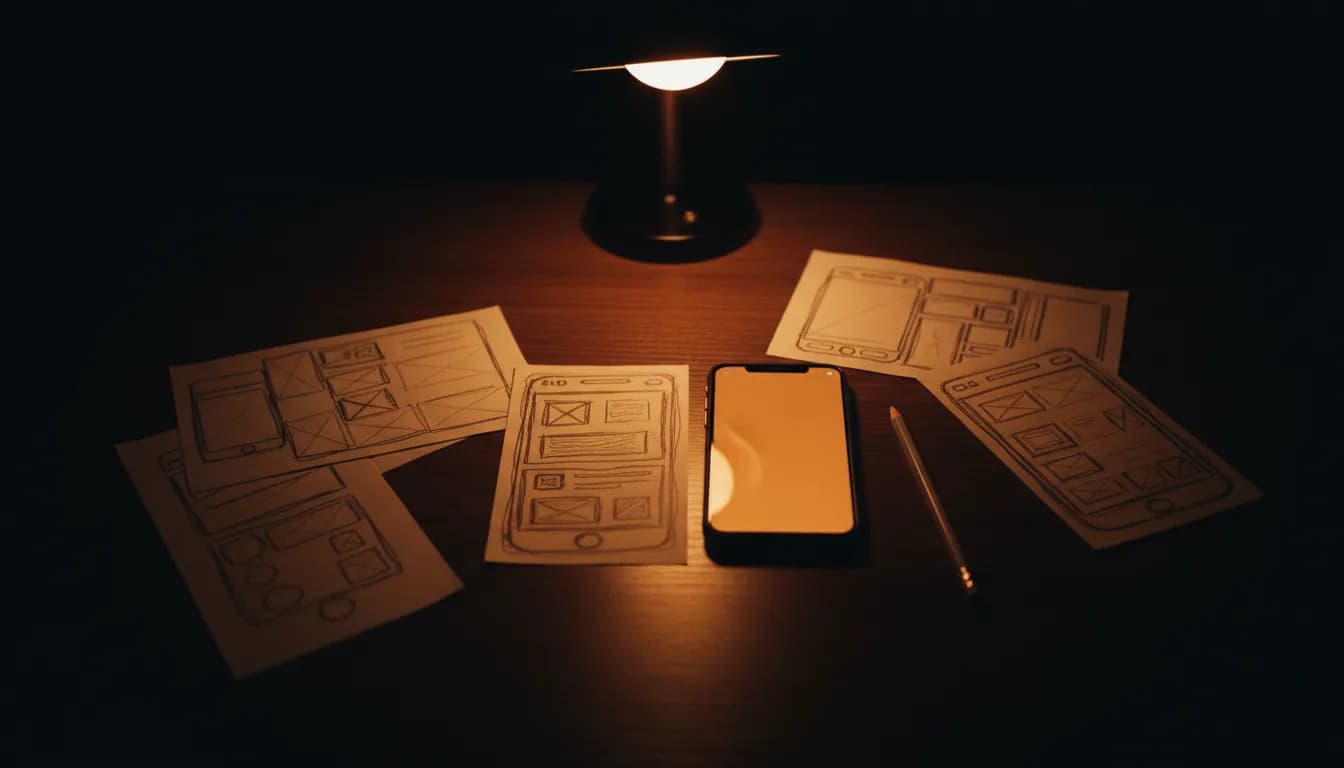
Figma's prototyping guide describes a prototype as an interactive simulation of how users move through screens, as opposed to a wireframe, which is a static layout. It says a low-fidelity prototype can be made in hours to a few days, and a high-fidelity one takes days to weeks depending on complexity.
Atlassian's MVP guide (updated April 2026) defines an MVP as the most basic version of a product, with only the core features needed to satisfy early adopters and validate the idea in the market. The same guide separates an MVP from a proof of concept: an MVP is tested with real users, while a proof of concept is usually internal and not customer-facing.
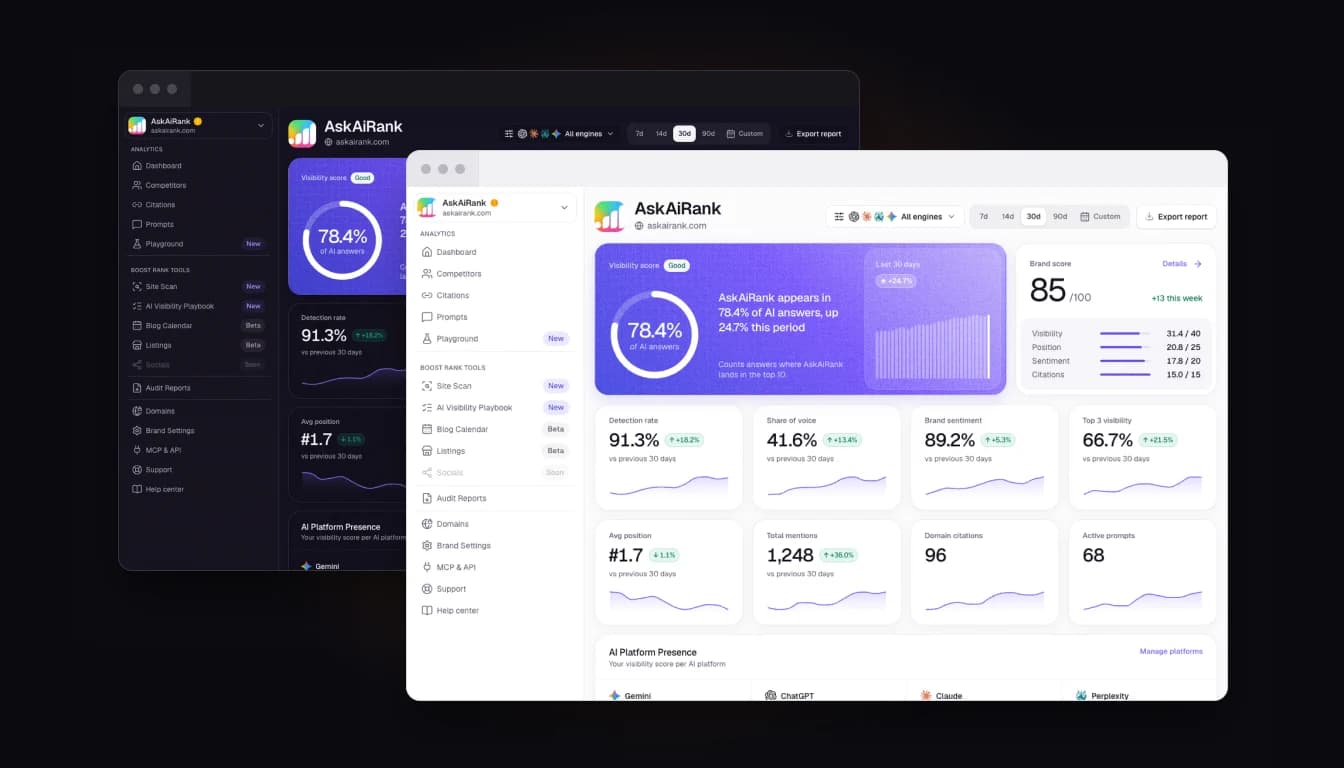
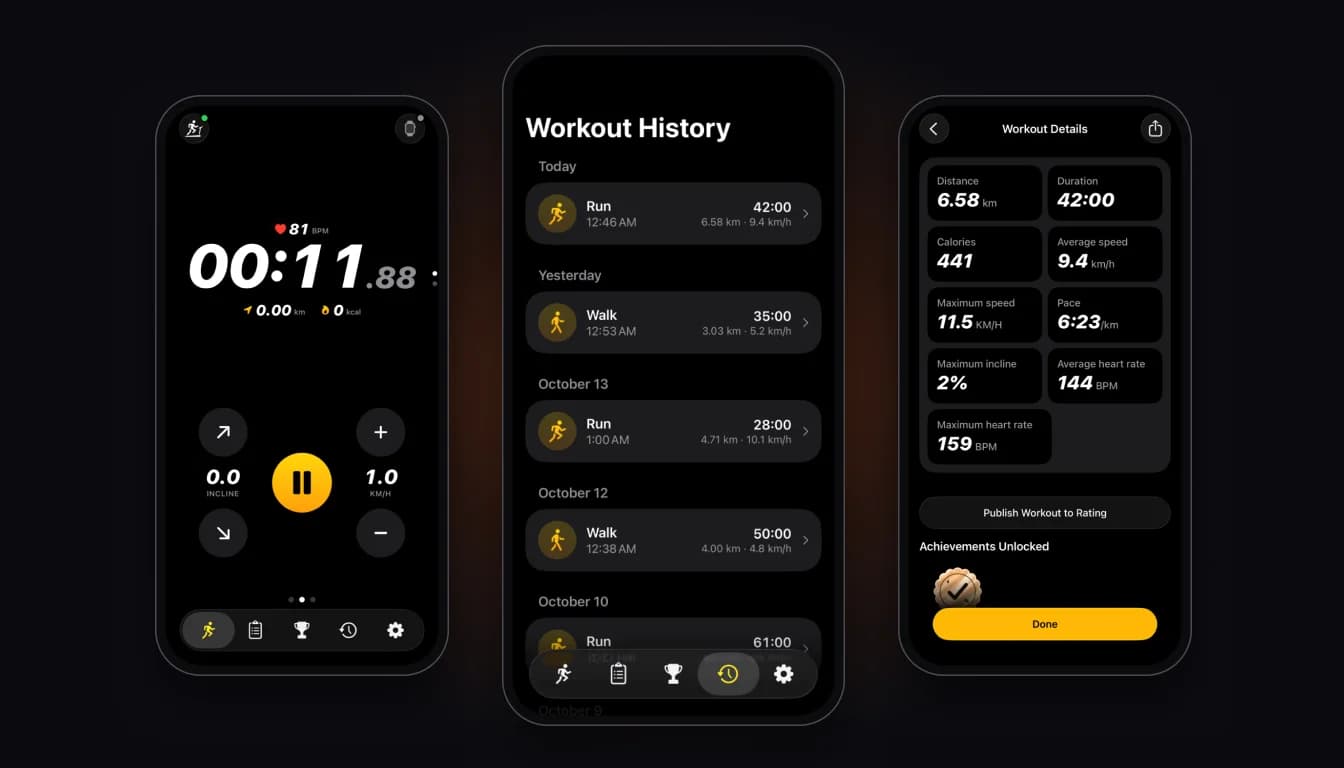
The line is simple. People can click through a prototype, but nobody can rely on it. A stranger can install an MVP and use it.
Prototype
Do people understand the idea?
- What it is
- Clickable screens, no real backend
- Time
- Hours to a few days for a rough one, days to weeks for a polished one
- Price
- No separate plan in our price list
- Tested by
- About 5 test users
MVP
Will people use it?
- What it is
- A working product with core features only
- Time
- 21-30 days on our MVP plan
- Price
- $2,000 on our MVP plan
- Tested by
- Real users
02 / 06
Which one to build by goal
| Your goal | Start with | Why |
|---|---|---|
| Check that users understand the flow | Prototype | Cheap to change, no code to rewrite |
| Get sign-off from a partner or your team | Prototype | Everyone looks at the same screens |
| Learn whether anyone will use or pay for it | MVP | Only real usage answers this |
| Get the first users from an app store | MVP or Template | A clickable file cannot be published |
| Check that a technology works at all | Neither, a proof of concept | The risk is technical, not about users |
| Show investors something | MVP if you can, prototype if you cannot yet | Real usage is stronger evidence than screens, this is our view |
Figma's guide quotes one of its designers: feedback on a prototype is "one of the easiest and cheapest ways to get feedback" before you spend a lot of money building. That holds when your doubt is about the interface. It does not help when your doubt is about demand.
03 / 06
How many people to test a prototype with
Nielsen Norman Group (page updated February 2024) argues that five users find about 85% of usability problems, and that three small rounds of five users beat one round of fifteen. This is one source's claim from usability research, and it applies to finding interface problems. It says nothing about whether a market exists.
In practice: show the prototype to five people, fix what they trip over, show it to five more. Then build.
04 / 06
Time and price on our plans
Our price list has no separate prototype plan, so here are the two plans that matter for this choice:
| Plan | Price | Timeline | What you get |
|---|---|---|---|
| Template | $1,000 | 7-10 days | A ready-made app customized to your brand, store publishing |
| MVP | $2,000 | 21-30 days | UI and UX from scratch, 3 to 5 core screens, backend API, authentication, push notifications, analytics, publishing and ASO |
Look at the Template row. For some ideas the cheapest honest test is not a clickable mock but a real app in the stores within 7-10 days. The catch is fit: a template works only if your idea matches what a template can do. If it does not, the MVP is the real first step, and it takes 21-30 days. What a fixed-price MVP build includes, and what it leaves out, is covered in our guide to MVP development services.
If you only want clickable screens to show a partner, a designer or a no-code tool may suit you better than a studio plan. We would rather say that than sell you a build you do not need yet. The full cost picture for each tier is in our app development cost guide, and the MVP alone is broken down in MVP development cost.
05 / 06
When to skip the prototype
Skip it when the flow is standard and you already know the screens, for example a login, a list and a profile. Skip it when you can describe the idea in one sentence and your doubt is about demand. In both cases a prototype adds a step before the question you actually have.
Do the prototype first when the product is unusual, when three different people give you three different readings of the same screen, or when changes after the build will be expensive. Screens that survived five test sessions also make a better brief for the build.
06 / 06
Questions founders ask
Can a prototype turn into the MVP?
Sometimes. Figma notes that a high-fidelity prototype may evolve into the finished product. A prototype from a design tool has no production code behind it, so the tested screens are handed over as the design brief for the build.
Is an MVP just a cheap first version?
No. It is a deliberately small one. The scope is cut to the core features, and what stays in has to work.
Which one do investors want?
Ask the investors you plan to pitch. Our view: real usage is stronger evidence than screens, so an MVP gives you more to show.
If you are not sure where your idea sits, send us a short description and we will tell you which step fits, even if the answer is a free tool. You can also browse past work or see how cross-platform apps are built.
Prices on this page match our pricing page as of 12 October 2026. Sources: Atlassian, Minimum Viable Product; Figma, What is prototyping; Nielsen Norman Group, Why You Only Need to Test with 5 Users.